Run Results: Overview Tab
Open in CMSThe Overview tab is where a completed analysis pays off — aggregate charts, AI-written insights, and one click away from the actual conversations behind every number. It's one of the two tabs on a run's detail page; its sibling, Participants, turns the same run inside out to show who was behind those conversations instead of how many landed in each bucket. Each analysis type you included in the run gets its own results section with charts built for that type.
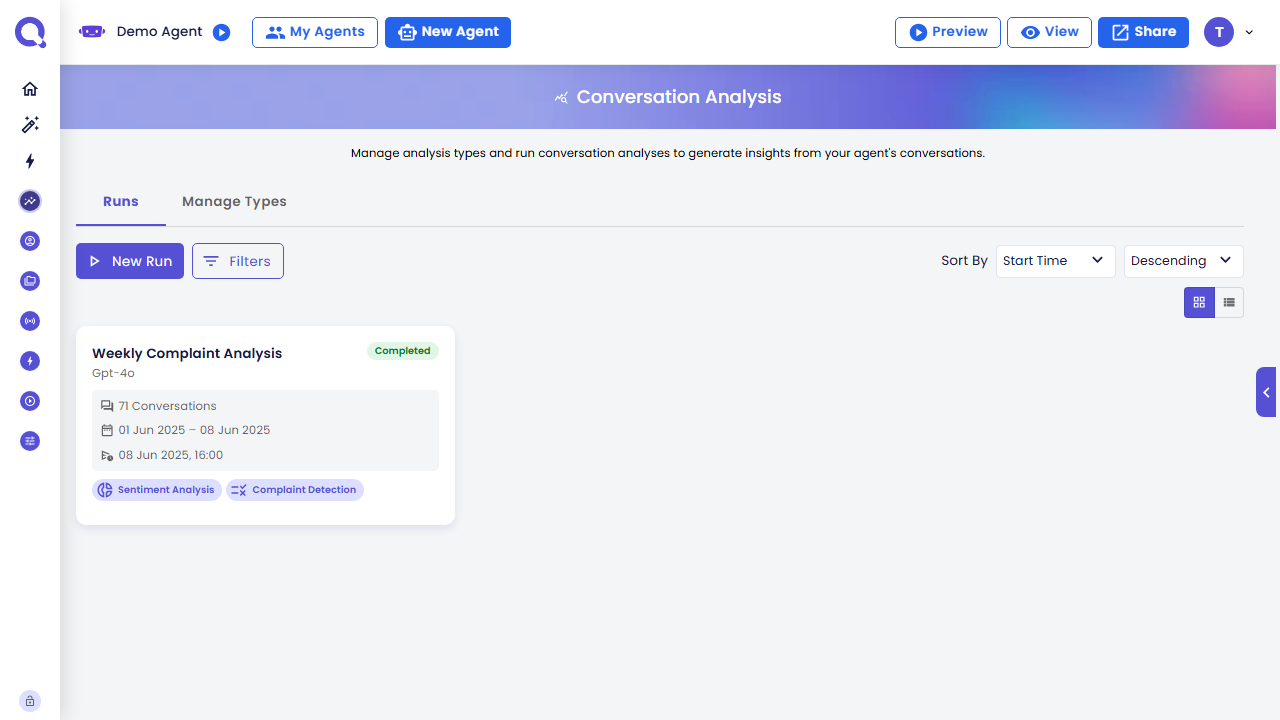
Navigate here by clicking any run in the Runs list under Analytics → Analysis.
Never used this page before? A short guided tour is built in to walk you through it — see Guided Tour & Help.
What's on This Page
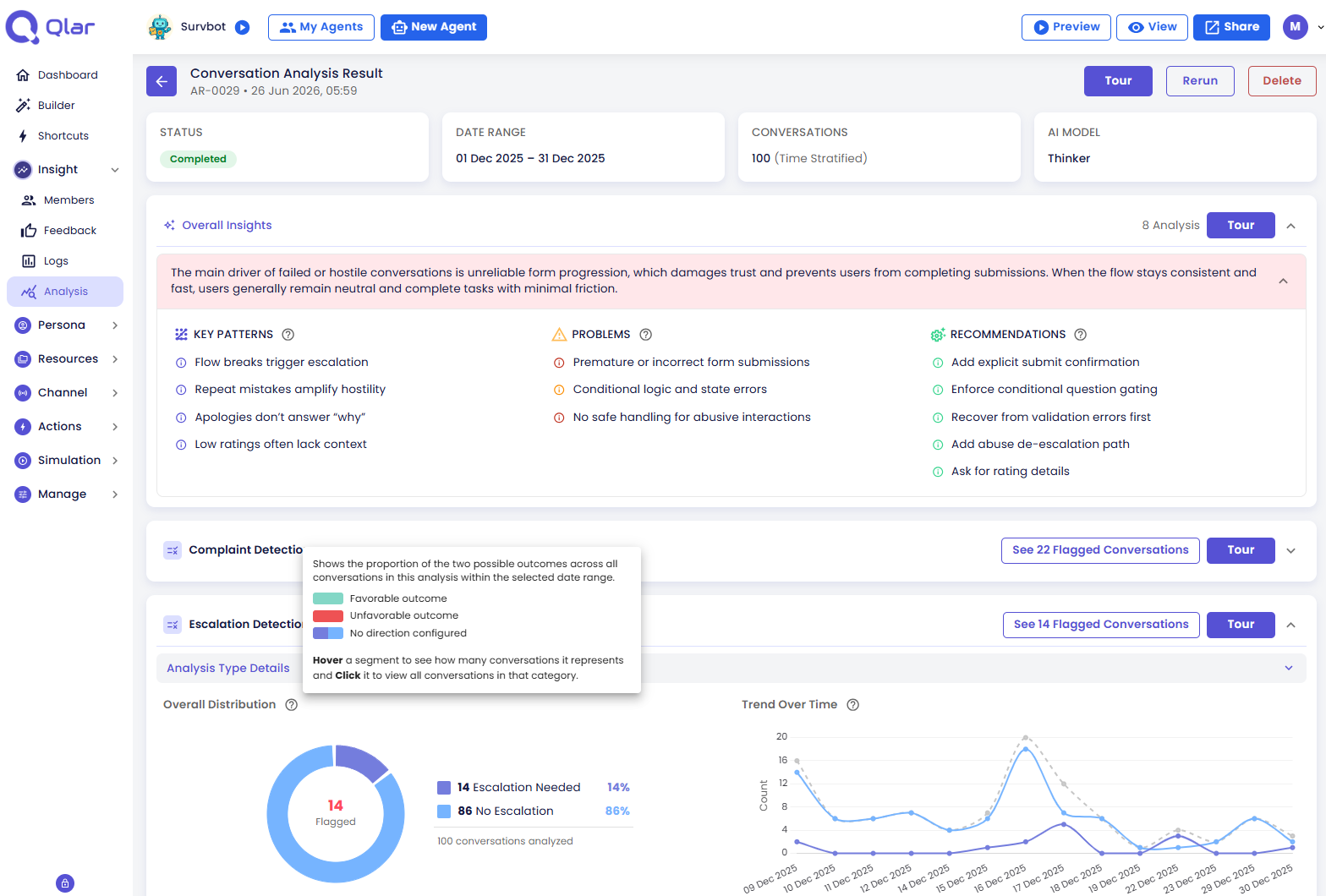
From top to bottom, the Overview tab is made up of:
- Run Summary — the run's status, date range, conversations covered, and the AI model used, plus Tour, Rerun, and Delete buttons
- Overall Insights — a cross-analysis summary that appears when the run has two or more analysis types
- Result Cards — one per analysis type, each with its own charts, flagged conversations, and insights
Result Cards (Per Analysis Type)
Each analysis type has its own collapsible result card. Cards can be expanded or collapsed independently.
Each card shows:
- The type name and output type icon
- The type's status (see Analysis Type Statuses below)
- A ⓘ tour button to start the per-type guided walkthrough
- Aggregate charts — visual distribution of results across all conversations
- Trend chart — how results evolved across the date range
- Flagged Conversations button — opens drill-down to flagged threads (shown when count > 0)
- Type-level insights — Conclusion, Key Patterns, Problems, Recommendations for this specific type
Analysis Type Statuses
| Status | What is shown |
|---|---|
| Pending | "This analysis type is currently pending and has not yet started." |
| Running | Progress bar with processed / total thread counts |
| Completed | Full charts and insights |
| Partially Completed | Charts and insights for succeeded threads; error count shown |
| Failed | "Analysis Failed" with error details |
| Stopped | "This analysis was stopped before it could be completed." |
Explore Further
- Run Summary & Actions — reading the summary card, what each run status means, and what Stop / Retry / Rerun / Delete actually do
- Guided Tour & Help — the step-by-step walkthroughs and the quick-access info popovers
- Overall Insights — the cross-analysis conclusion, patterns, problems, and recommendations
- Viewing the Conversations Behind a Chart — how drill-down works from any chart or the flagged list
- Yes/No Charts (Binary) — reading results for types like complaint or escalation detection
- Score Charts — reading results for types that produce a numeric score
- Category Charts (Classification) — reading results for types like sentiment or topic tagging
- Extracted Item Charts (List) — reading results for types that pull out topics, questions, or entities